 1:04
1:04A001_C011.mov
Scene 1 / Shot A / Take 1 · 32mm
The camera and script report, the dailies and the day’s files in one base, and in DaVinci Resolve without retyping a thing.
Available 15 January 2027
Clip names auto-increment after each save. Edit one to re-sync.
This is the interface, running. Time a take, log it, keep going.
The stopwatch sits directly above the save button, because that is the order things happen in: action, cut, log. It times the take itself, not the setup around it, and the duration it holds travels with the line: into the take, into the daily report, into the CSV that reaches Resolve. Nobody times a take on a phone and retypes it later.
Saving is not one button but two.
The take is called good or bad at the moment it is called on set, not an hour later from memory. The line lands in the log, the take number moves on, and the clip name follows it.
Choose the cameras that are rolling. Each one arrives with its own card and its own clip name, and neither is ever typed twice: after every save the clip name steps forward on its own, and changing card sends the counter back to C001 with the new card already in the prefix. A single save then writes one line per camera, same scene, same shot, same take, same timed duration.
A clip name is typed once, on the first take of the card.
Every transcode looks for its take by file name. The grid then sorts by scene, then shot, then take: scene 2 before scene 10, the way a human counts and a filesystem does not. Narrow it to the circled takes, or to one scene, and the day reads like the film.
The chips and the sort menu below are the app’s own. A clip that found no take says so, and goes to the end.
1:04 1:16
1:16 ★ GOOD1:28
 1:04
1:04 ★ GOOD1:16
 1:04
1:04 1:16
1:16 1:28
1:28 ★ GOOD1:40
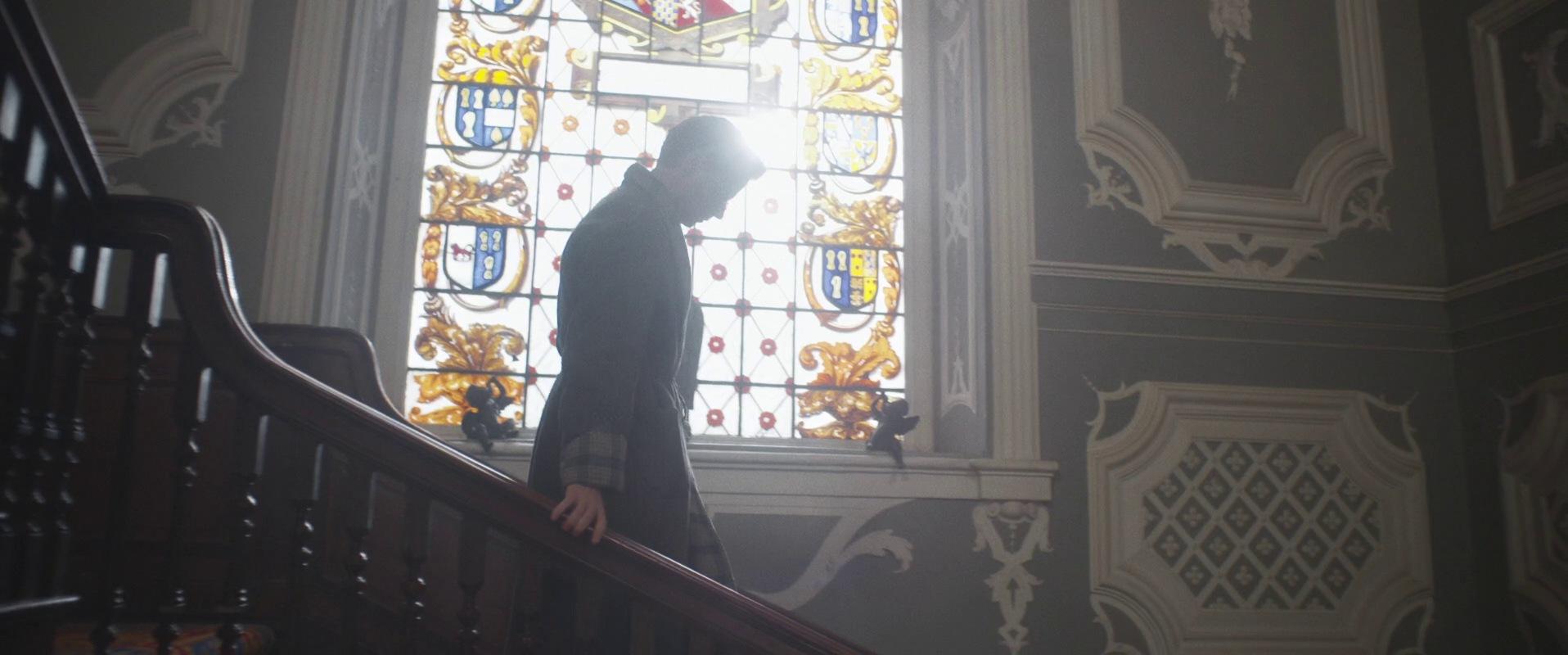 1:11
1:11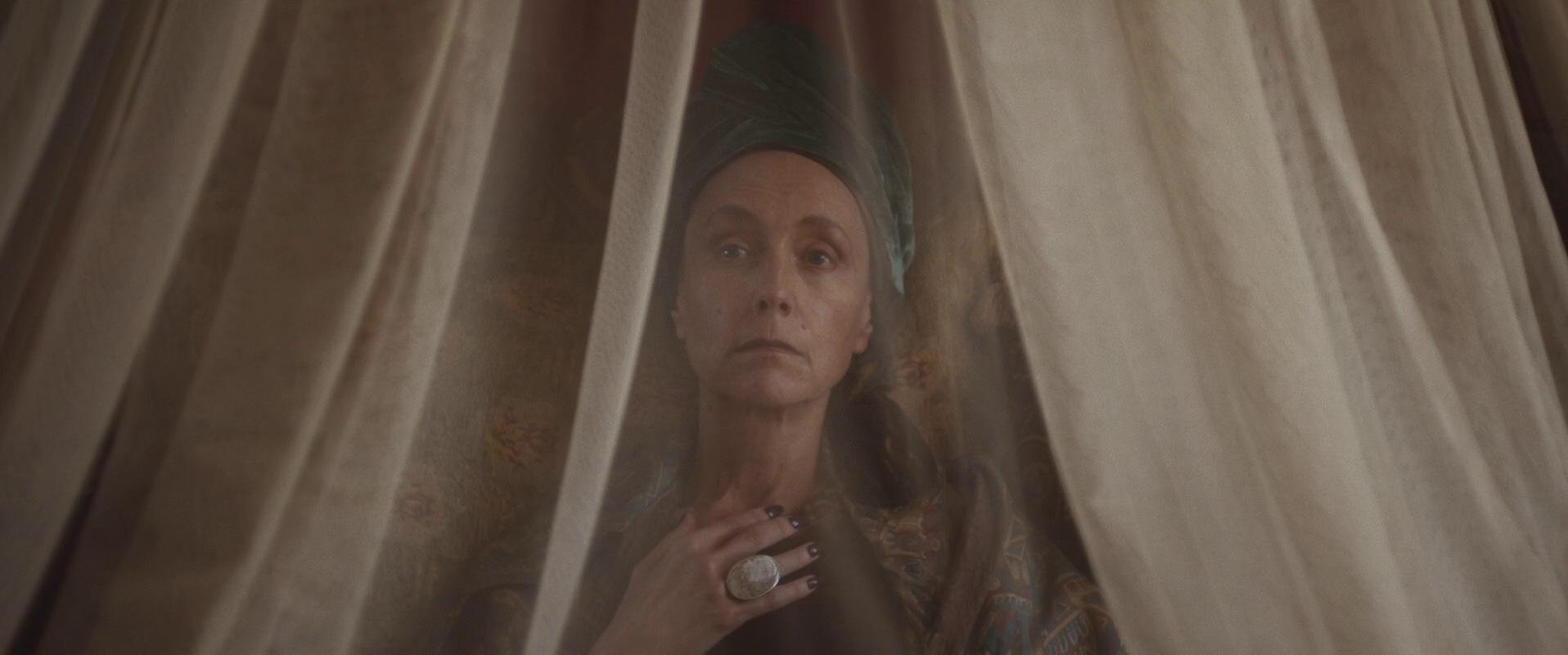 ★ GOOD1:23
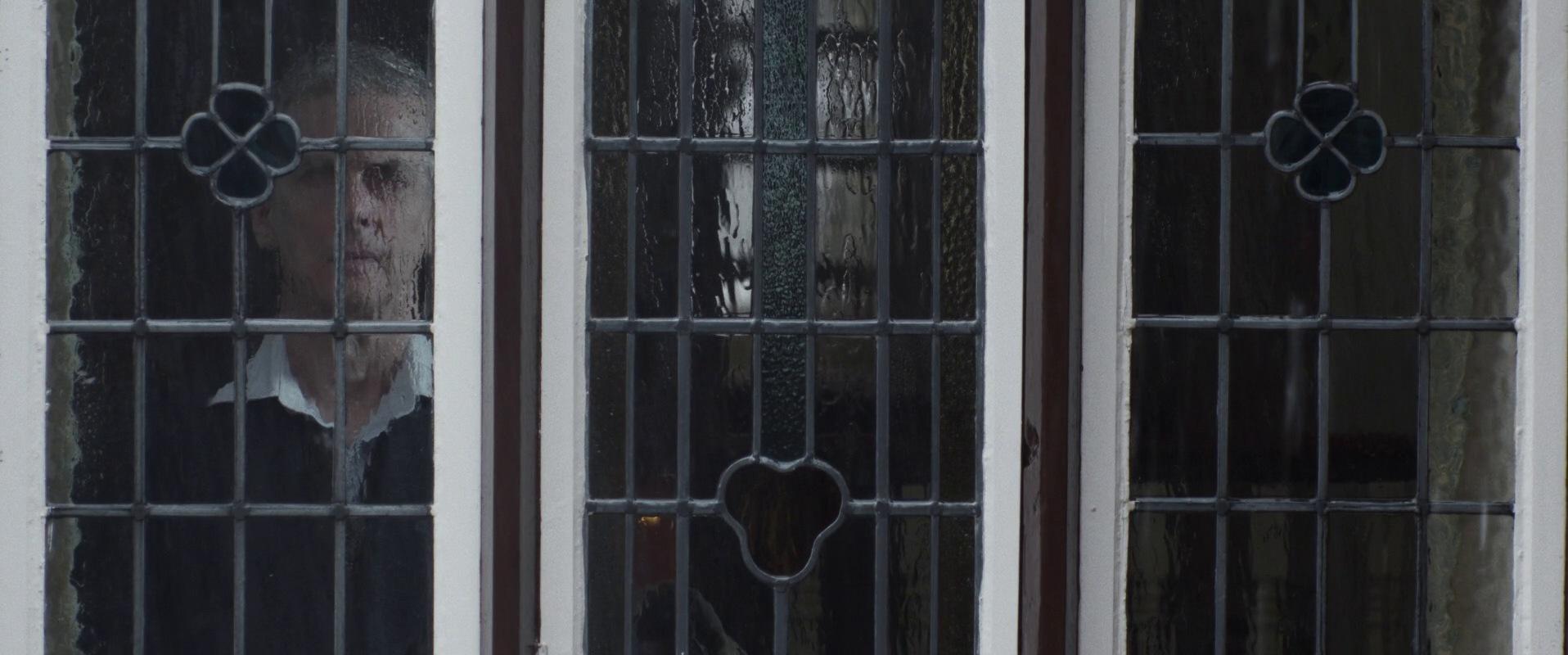 0:47
0:47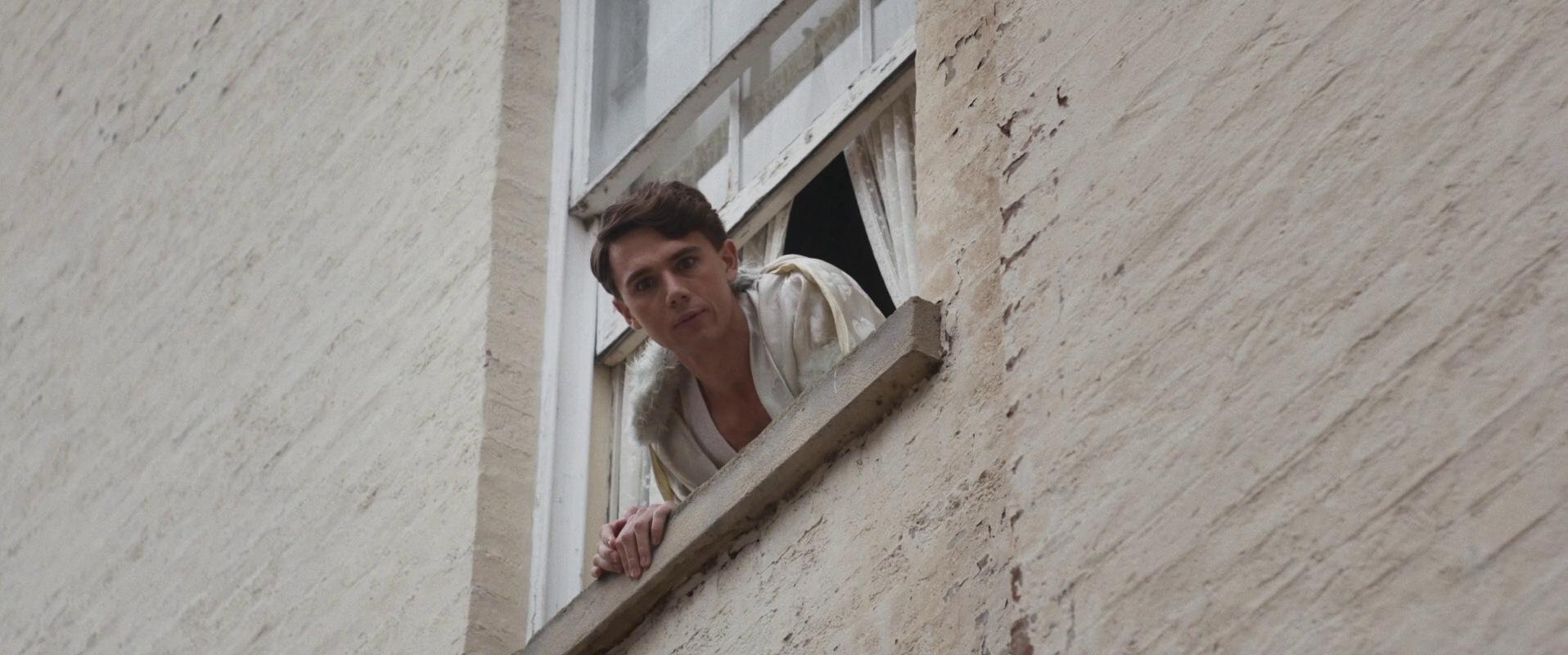 2:12
2:12SETLINE opens the tmcd track of the camera file and starts where the roll started. Jump three seconds, five seconds, step a single frame and watch the last field move by one. Save the frame and the confirmation carries the timecode, the one you can read out to the lab.
10:04:12:07 means the same thing to everyone on the film.
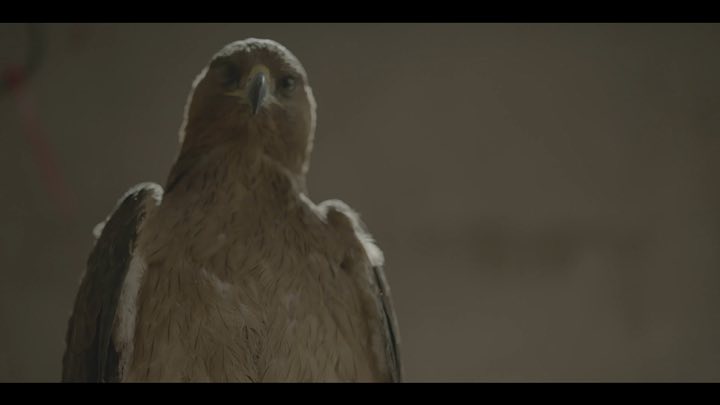
The frames are our own rushes, from the files the app imports. What this page reproduces around them is the transport and the timecode.
Export the day as a metadata CSV. In Resolve: Media Pool, right-click, Metadata Import. The match is made on File Name, and the native columns fill themselves, including the ones nobody fills by hand at the end of a shooting day.
Below: the day’s takes on one side, Resolve’s columns on the other. Run the import, or read the file the app actually writes.
| File Name | Scene | Shot | Take | Good Take | Camera # | Roll Card # | Lens Type | Focal Point (mm) | Camera Aperture | White Point (Kelvin) | White Balance Tint | Filter | FPS | Environment | Day / Night | Take Duration | Comments |
|---|---|---|---|---|---|---|---|---|---|---|---|---|---|---|---|---|---|
A shoot does not only move rushes. The call sheet arrives from production, the voice-over from the director, the logos and the lower thirds from the client, the LUT from the DOP, the Resolve project from the assistant. Today each of those travels through a different link, sent by a different person, and every link dies on its own schedule.
A transfer link expires. A project does not.
Below: the Files tab filling up as a shooting day goes. The icons are the app’s own, picked from the file extension.
One A4 landscape sheet: the day’s numbers, each camera’s configuration, every take with the circled ones picked out, the roll recap, the DOP notes and a place to sign. Composed from the very rows you logged between two setups. Nothing is typed twice.
ARCANE BESTIAIRE
LOGGED BY SAMY · DIRECTOR OF PHOTOGRAPHY

Sc. 2 crane move retimed after blocking, coverage complete on take 4.
Condensation on rear element during river setup, two takes flagged for QC review.
Lab to confirm checksums on all A-cam rolls before card wipe. Dailies LUT v3 applies.
A production pays for its shooting days, not for a subscription that runs through prep and the edit. Licences are unlimited for the crew for the length of the project.
Everything stays on the iPad. The report, the dailies and the exports never leave the device unless you send them.
The same day, mirrored to the client space. The crew opens the rushes from wherever it is, the editor pulls them without waiting for a drive.
Once the shoot is over, the rushes stay watchable. Charged only for the days you keep the access open.
Rates per day, applying from 15 January 2027. Seats are unlimited for the crew, for the length of the project.
Native on iPad and iPhone. Everything stays on the device; nothing leaves it unless you export it.
Available from
iPadOS and iOS 17 or later